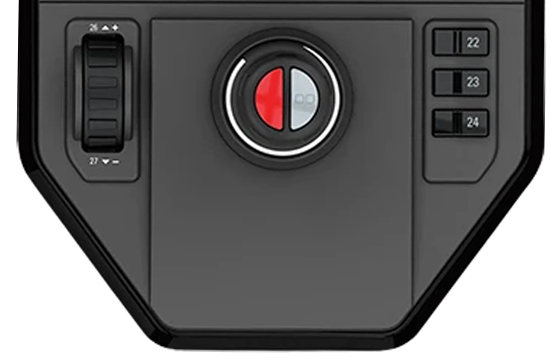
Information: Each button shows two numbers. This is because the control panel numbering differs from ETS2 assignments. ETS2 starts counting buttons from zero, not one. Therefore, the first number indicates the ETS2 assignment, while the circle shows the control panel number. This distinction helps avoid confusion in setup and configuration.
Route Advisor
-
0: Navigation (GPS)1
-
1: Current Job2
-
2: Assistance3
-
5: Truck Service6
-
6: GPS Zoom Truck7
-
7: Toggle Modes8
Quick Actions
-
3: Menu4
-
4: Garage5
-
8: Wipers9
-
9: N/A10
Light & Assistans
-
10: High Beam11
-
12: Hazard13
-
14: Air Horn15
-
11: Lights12
-
13: Light Horn14
-
15: Beacon16
Cruise control
-
16: CC On / Off17
-
17: CC Resume18
Activations
-
18: Activate (RETUR)19
-
19: Trailer20
-
21: World Map20